
Licensing
Standard Flexi-deck libraries, created with the Flexi-deck Creator, can be handled by the Flexi-deck play without any license required.
However, a licence is required as follows...
To run the software in Creator mode at the end of the 30-day trial period
To allow software running in Player mode to handle premium libraries
To licence a Premium library
To license the Creator, Player or a Premium project, you need to enter the relevant licence key into the software.
The Product Registration procedure is used to convert a 30 day non-registered trial version to an unlimited use production version.
To purchase a creator licence select the Order option and visit the Creator purchase page.
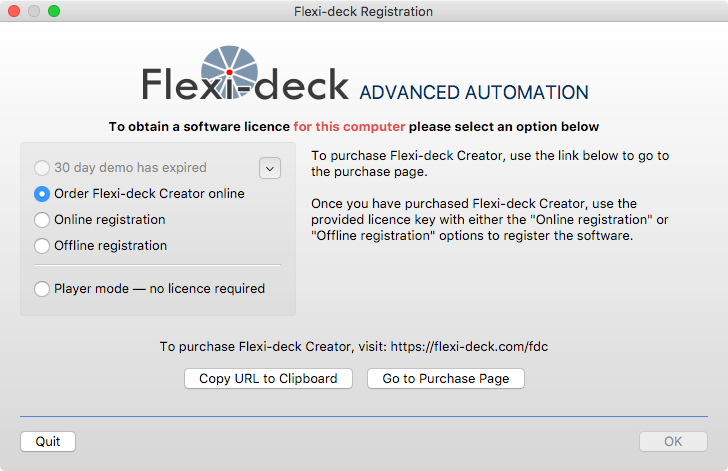
Following the purchase procedure the license key will be emailed. You can then choose to register a system that is online of follow the Offline Registration procedure
Option
Description
Online registration
Your computer is on-line and connected to the internet. You will be requested to enter your license key and this will be verified at the license server
Offline registration
This will output a 'URL' string that you will need to enter on a browser on another system that is on-line. This will return a registration key that you can enter into the software.
In addition to the manual registration procedure above, every time a non-registered version of Creator runs, it contacts the license server to check if there is a license associated with the system and if found, applies the licence key automatically. If no license is available you can continue with your trial period (within the 30 days) or opt to license the product or switch to Player mode.
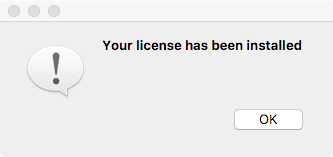
Once the licence key is applied successfully you will be notified thus:
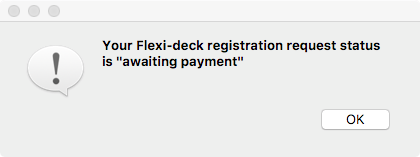
If there is an order pending but payment has not been completed (such as an issue with the PayPal system or an ePayment is awaiting clearance) you will be notified thus:
To follow
To follow
Last updated